bear-fit: the simplest UX for syncing humans
tldr: In 2024 I built bear-fit to make meeting my friends dead simple. Try it at bear-fit.haspar.us. It works because it asks “which days could work?”, not “which 30-minute intervals are you free three weeks from now?”
Backstory
I’ve been fighting calendars for more than ten years.
My first job and uni ate my calendar, freedom, and ability to grab a beer with a friend. A day job + day uni. One of the most challenging majors in town. Great combo. It made me stop playing League of Legends, so there’s that, but my calendar was packed.
Most of my friends’ calendars were also packed. Eureka moment. What if I did
set intersections?! Just & calendars across each other. Simple, right?
Okay, but what if the users are not corporate slaves and their availability can’t be derived from the events in their calendars?
Tinder was kinda hot back then1, so I thought what if I could swipe time slots? Right for green and available, left for gray and busy. A stack of your friends’ avatars so you can see who’s free. Long press on the row to send an invite.
We didn’t ship it. We didn’t know how to raise, didn’t have money to bootstrap. Most importantly, we didn’t know shit. We were busy with other stuff. Remember work and uni? My cofounders broke up, because of course they were dating. Anyhow, none of us had the capacity for a startup.
We shelved it and went our own ways to work on other stuff.
New World
Six years passed. It’s so easy to build something small now. I mean, in
September 2024.
I was still fighting calendars. This time with even more people to coordinate.
I built the first version in about 15 hours across 6 evenings, including playing with val.town Townie, then moving to PartyKit, Y.js and a local editor when Townie couldn’t figure out SSE and I caught myself writing CSS diffs in its chat.
Later on I fixed some bugs and added some small features. In total it was about 80 hours of work. Still cheap by software standards. Nowhere near the cost of building something serious.
Lo-fi as in low-fidelity
I used system.css, a global stylesheet, to avoid spending 2 hours picking a font and communicate this is intentionally not a polished product. Just a useful tool like computers used to be in 1991.
Contrary to Elon Musk’s philosophy: Start small. Or better yet! Aim low. Do something that’s deliberately ass.
I’m a sucker for personal malleable software. Been like that since I read the first blog posts. A few years ago I saw Patchwork and Playbit at Local-First Conf. Seems like with agents and new coding environments it’s slowly happening now.
When I built bear-fit, software was already cheap enough you could build for a few dozen people. It’s even cheaper now.
Aiming low and keeping the scope small allowed me to make bear-fit dumb simple to use.
Dead simple UX
I needed bear-fit to help meet up with my friends. Some of them are normies. They use a work computer, then don’t touch it after work. Not the laptop in a coffee shop petite bourgeoisie.
If you don’t know any normies, the main thing you need to understand about them is that computers effectively hate them.
If they have a website, they probably bought the domain bundled with hosting and WordPress at a 500% markup. The internet is brutal, but they’re used to that. Low-tech vendors have been preying on them for decades.
I needed the UX to be straightforward enough that people would actually bother. Just click the day. Like an advent calendar. That’s it. You can drag to “paint”. There’s basically just a mobile UI. Desktop UI is a phone-shaped card in the middle of the screen.
By simplicity I mean something quantifiable here: the number of clicks to your goal. I got down to 2:
- Click the link in a group chat to visit the app.
- Click the day when you’re available or paint the whole week.
Calendar
beers and basketball
That’s the entire guest flow. No account, onboarding, installation, calendar permissions, or save button. Open the link, mark your days, leave. Everyone sees the changes immediately.
Creating the calendar takes three clicks: choose start, choose end, press Enter.
You don’t have to name the calendar or yourself if you ain’t got time for that.
I could technically get down to 0 clicks in repeated use with about 5 for setup by piggybacking on Google Calendar, but it wouldn’t work for all of my friends.
Alternatives
There’s a lot of good alternatives. Cal.com is great, but it’s a whole product.
crab.fit is great, but dragging does a selection there like in Excel/Sheets and I don’t wanna select any hours a month ahead. idk, mate. I may work till 6pm, I may work a bit longer. One of my friends is a political editor, so whenever shit hits the fan she needs to stay longer in the office.
There are also alternatives that used to be good.
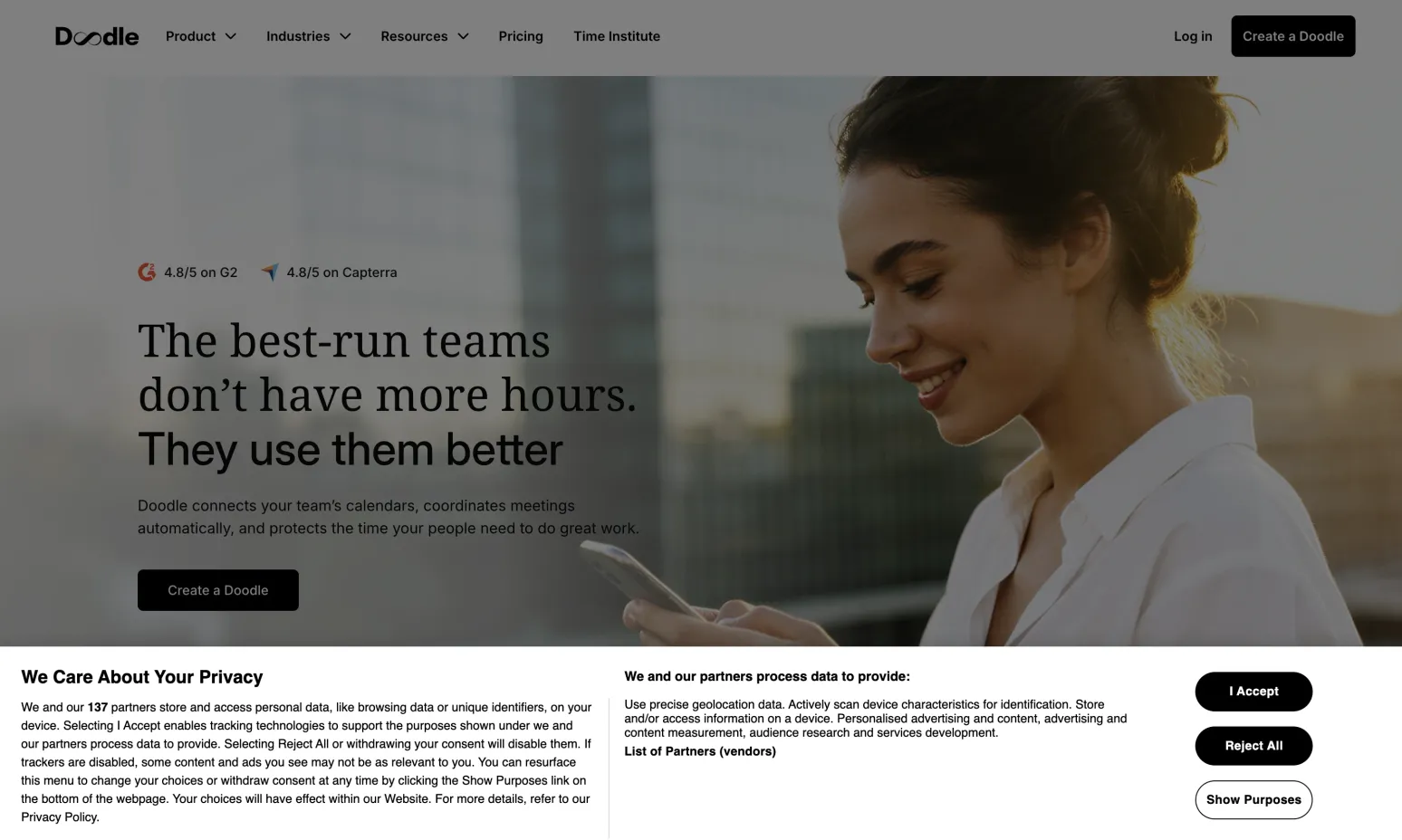
Opening Doodle. I accept the cookies and press “Create a Doodle”.
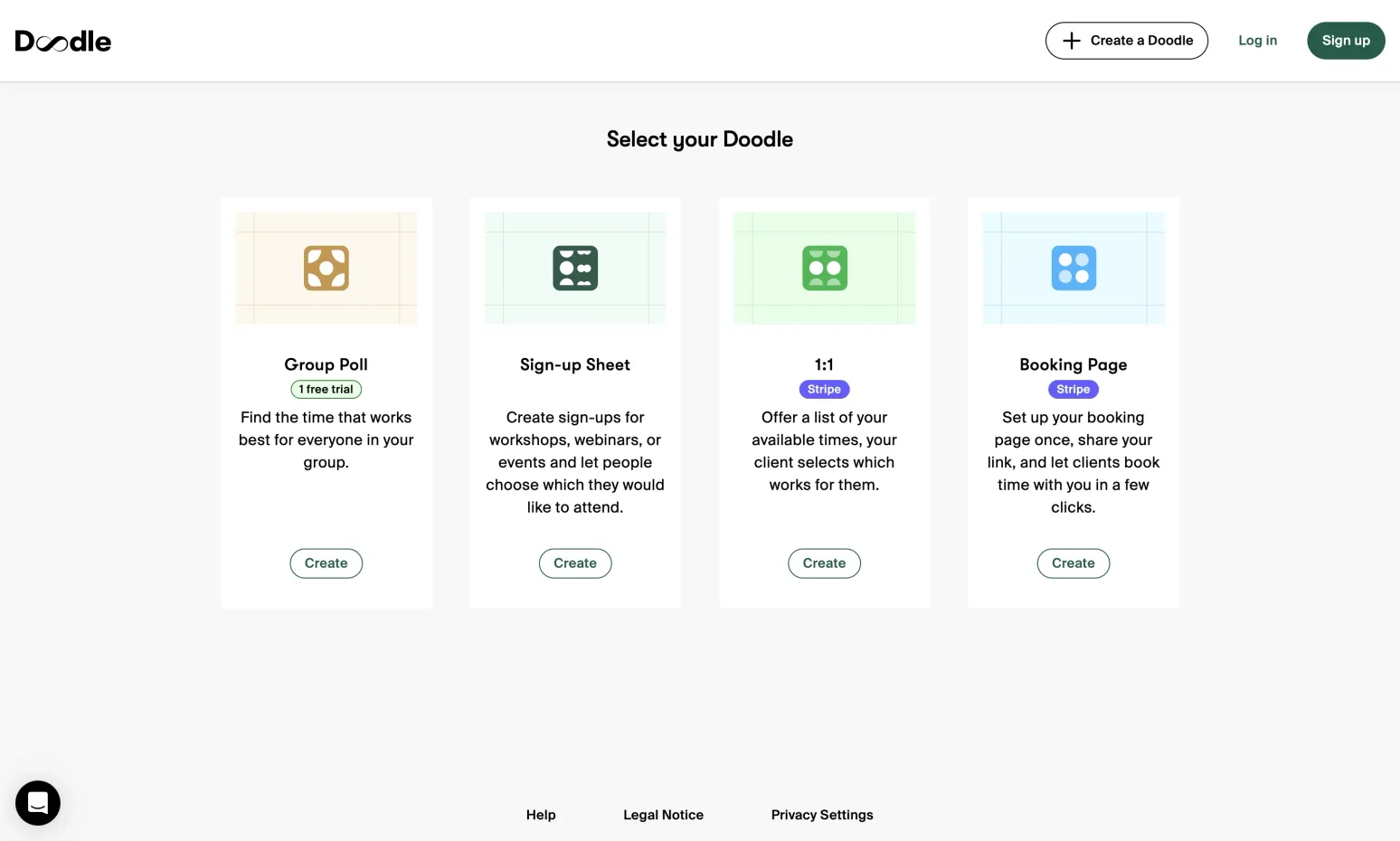
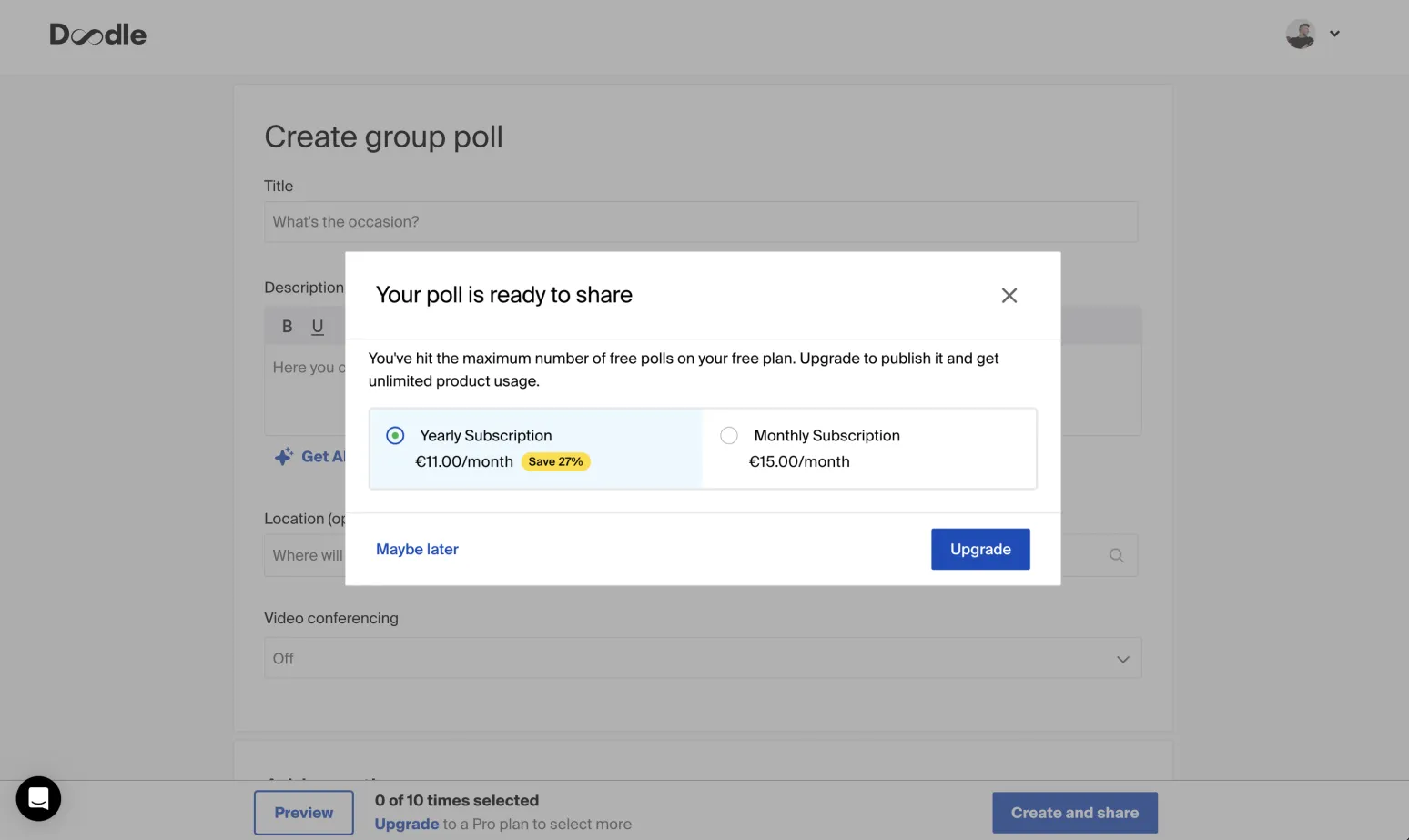
A form to fill and a monthly sub $3 cheaper than ChatGPT Plus. A bargain.
It’s not just me.
I don’t know this person. Got a screenshot of a Discord message.
Simple is convenient and fast. It doesn’t demand that users learn your thing, let alone adopt it. You can adopt a cat or a little human. Tools are to be used.
Eating complexity
To make something simple for the users, we often have to absorb the complexity ourselves.
First, we reduce complexity through product judgment and scoping, like realizing users can’t predict hourly availability three weeks out, then cutting hours from the product.
Then, we eat the irreducible complexity with code. Take up the cross and suffer random segmentation faults from your dev deps so the user can tap rectangles on the screen.
If we absorb enough pain, the end result can feel like magic.
Autosave is magic apparently
People repeatedly asked: “How do I save? Did it work? Just like that?”
Every change is saved and immediately propagated to everyone else. That avoids conversations like “yeah, I’m just doing it, saving in a minute”, but for first-time users, it’s surprising. It’s something they haven’t seen before.
I really liked surprising my friends by popping in with the multiplayer cursor chat, Figma-style. But saving was non-obvious: I eventually added a status indicator and a “bear-fit saves automatically” message when someone presses ⌘S.
Have I inadvertently used an innovation token here? Maybe. It was worth it.
Simple doesn’t always have to mean familiar or immediately legible. Friends who were the most surprised by autosave initially ended up recommending the app to other folks.
A few years later, friends of my friends are using bear-fit to arrange meetings. I have some more ideas for this app, but I moved on to fight bigger calendars and built a product already used to organize events for 3,000 people.
You can use bear-fit while tired, in a rush, or overstimulated by your 20 AI agents. Just click the thing and reserve your thinking for things that actually matter.